
“We've seen some really impressive work from Digital Installer, Inc. by Rusty Deeble. Knowledgeable, very detail oriented and always ready. Rusty is the go to expert for your audio/visuals.”
Read More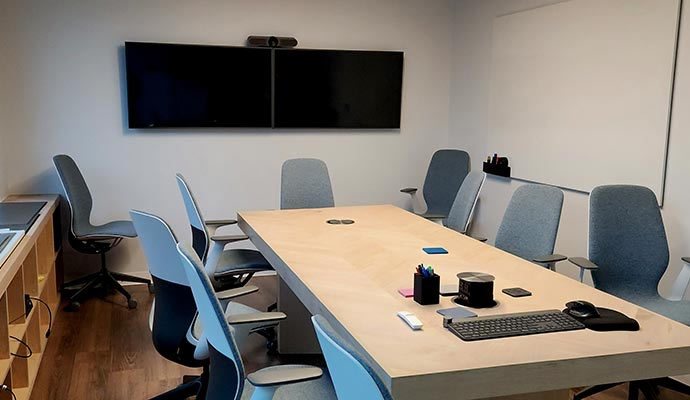
Remote and hybrid work has made video meetings essential, yet many offices struggle with poor audio and lagging video. These obstacles reduce engagement, slow decision-making, and frustrate teams who need to collaborate effectively to produce results.
Smart video conferencing, combined with commercial automation and high-end AV systems, solves these problems. This allows teams to communicate clearly and focus on collaboration. Modern offices with smart video conferencing can transform meetings into productive sessions. Experience measurable improvements through faster decision-making and stronger teamwork.
855-488-1060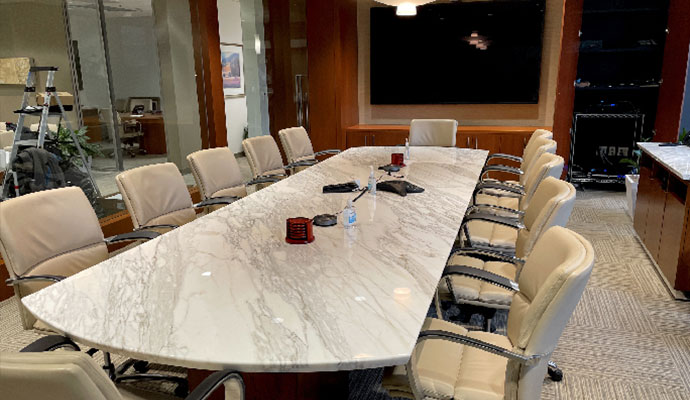
Technical issues can disrupt meetings even in well-equipped offices. Audio distortions, low-resolution video, and unstable internet connections often prevent participants from following discussions or contributing effectively.
Complex setups requiring multiple devices or manual adjustments waste time and distract from meeting goals. Without proper integration, collaboration tools such as shared screens or digital whiteboards may be underutilized.
These challenges highlight why professional AV and automation solutions are essential: they eliminate frustration, streamline communication, and allow teams to focus on outcomes rather than troubleshooting technology.
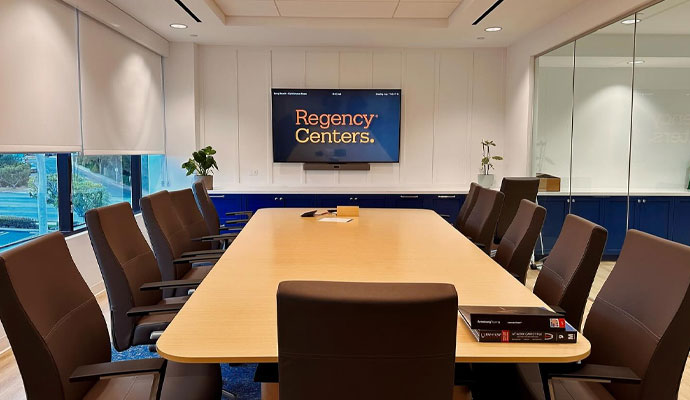
Effective conferencing systems fix common meeting problems. High-quality AV hardware, automation, and collaboration tools make teamwork faster and easier. This helps employees stay focused during each session.
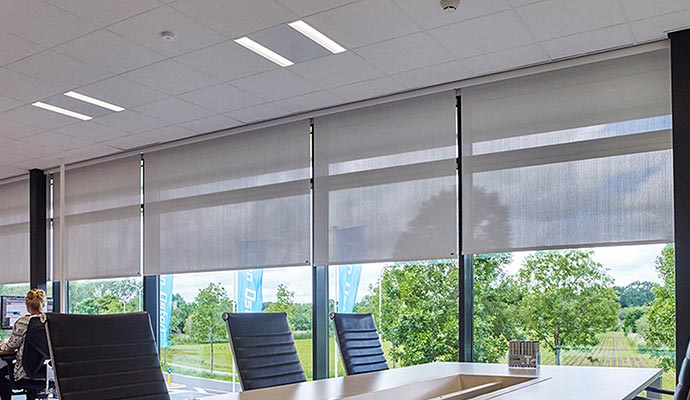
Smart office automation does more than make tasks easier. It boosts productivity by creating meeting environments that help teams focus. Automated systems cut distractions, keep meetings professional, and help everyone stay engaged in the discussion.
Selecting professional-grade cameras, microphones, and displays is essential for clear communication and productive meetings. Consumer-grade equipment often struggles with low light, background noise, or inconsistent video quality.
High-definition cameras with wide-angle lenses capture all participants clearly, keeping speakers in focus.
Room or tabletop microphones with noise cancellation pick up voices evenly and reduce noise.
Large, high-resolution screens allow all participants to view shared content clearly.
Commercial hardware seamlessly integrates with laptops, tablets, and other collaborative platforms.
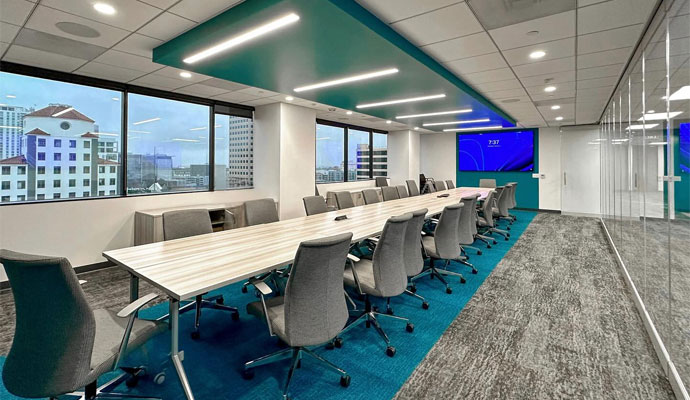
Even with advanced AV and automation systems, how offices run meetings can still affect their productivity. Following simple strategies keeps sessions running smoothly and focused on results:
High-end AV and automation systems perform best when installed by professionals. Improper setups can lead to technical issues, wasted time, and reduced meeting quality. This can undermine productivity despite high-quality equipment.
Choosing professional installation guarantees reliable performance and seamless integration. Offices rely on expert services to create meeting-ready environments. These save time, enhance communication, and maintain engagement.
With professional installation, teams can focus on business objectives rather than troubleshooting systems, resulting in smoother meetings, higher productivity, and more efficient workflows across departments.
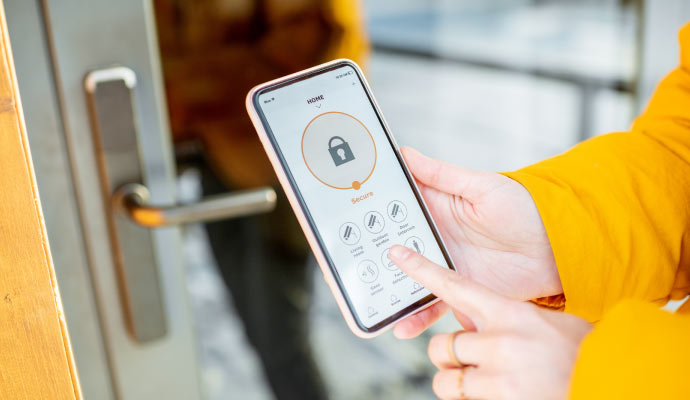
Secure video conferencing is critical to protect sensitive discussions, client data, and internal strategies. Offices must implement reliable security measures without sacrificing usability or productivity.
Smart video conferencing, when combined with office automation, can transform your productivity. Teams communicate more clearly, and workflows become more efficient. By reducing technical frustration and improving engagement, your office can concentrate on outcomes rather than setup hassles.
Digital Installers installs premium audio/video systems that function reliably from day one. Our automated lighting, cameras, and audio create distraction-free environments, while integrated scheduling and collaboration tools save time. Upgrade your office with smart AV solutions to make every meeting reach its full potential.
855-488-1060See why homeowners and businesses turn to digital installers for audio/video, networking, automation, and other technology installations. See what customers have said about their experience with us.
“We've seen some really impressive work from Digital Installer, Inc. by Rusty Deeble. Knowledgeable, very detail oriented and always ready. Rusty is the go to expert for your audio/visuals.”
Read More
“Excellent work completing the network cabling of my house by Peter and Anders. I would definitely recommend them. Very happy that they were able to hide all of the cables running everything through the walls and attic. Outstanding!”
Read More
“We had an amazing experience with Randall and the team at Digital Installers. They handled the complete security setup for our retail store/warehouse and made the entire process smooth, professional, and stress-free. Everything was done cleanly and efficiently, and they took the time to make sure we understood the system and felt confident using it. Highly recommend them if you’re looking for a reliable and knowledgeable team for security and installation needs!”
Read More
“Andrew of Digital Installers did a wonderful job adding new equipment to protect my system from electrical surges. While doing so he completely cleaned up my cables and wiring moved equipment in my rack and it runs cooler, looks great organized clean. And recalibrated our theaters sound system and it works and sounds better than ever. Thanks DI”
Read More
“Rusty and the team at Digital Installers are great. When I purchased a new home, I had them come over and recommend an integrated home system for TV, sound, and lights. They did a wonderful job making recommendations and setting up everything seamlessly. The team was very professional, and I would definitely recommend them to others.”
Read More
“Digital Installers is fantastic! The team was friendly, knowledgeable, and made the whole process easy from start to finish. Our new system looks and works beautifully. Highly recommend them for anyone needing professional, reliable tech installation!”
Read More
“I called Digital Installers and they were able to send someone out to me the very same day. Peter and Andrew wall mounted my 65” OLED TV and did a fantastic job! They were on time, courteous, clean and found a way to run a pesky HDMI cable through the wall that had been bothering me for years. I will definitely be using them again in the future. Highly recommend!”
Read More
“Rusty and his team at Digital Installers made my home theater dreams come true. I knew I was in good hands as soon as I reached out. They listened to what I wanted and created a setup that was perfect for my style and space. They handled everything with such care, making sure every detail was just right. I can’t recommend Digital Installers enough.”
Read More
“From a simple TV install to futuristic home tech, Rusty and his team are leaders in their industry. They provide various solutions to accommodate your needs including: internet, home audio, lighting and more. Want some ideas for your home? Check out their Showroom for ideas on your next project.”
Read More
“Big thanks to Rusty and Esmond @ Digital Installers. Very easy to work with, extremely knowledgeable and talented team. The touchscreen system works perfectly, the audio is clear in the entire room and everything has a clean professional finish. Great work guys!”
Read More
Reliable. Certified. Proven.
Our commitment to quality, innovation, and customer satisfaction is backed by industry recognition, and our affiliated brands and products.







Effective Support By Real People.
Modern home technology occasionally experiences disruptions. We keep things simple and provide necessary support if your A/V system experiences problems. From proactively monitoring and fixing your system remotely, to helping you easily reset your easily, you're covered with us.

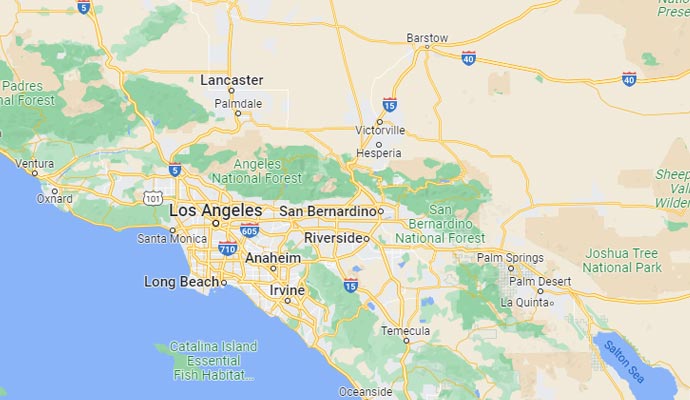
Long Beach/South Bay
562-379-3355
Orange County
949-787-0601
Coachella Valley
760-706-7077