


“We've seen some really impressive work from Digital Installer, Inc. by Rusty Deeble. Knowledgeable, very detail oriented and always ready. Rusty is the go to expert for your audio/visuals.”
Read More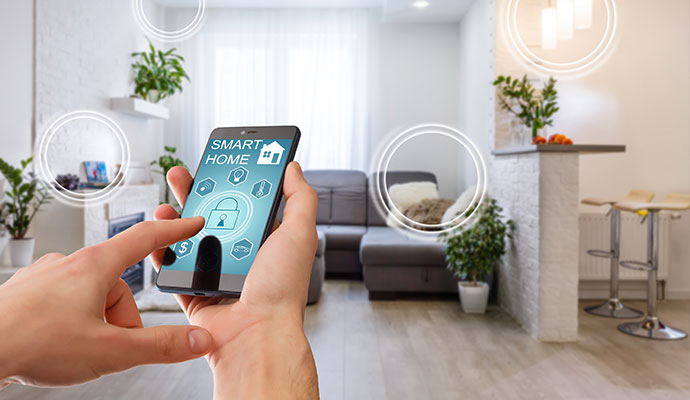
Smart home technology makes everyday living more convenient by connecting lighting, security, entertainment, climate control, and other systems. Like any technology, connected devices benefit from routine maintenance to continue operating as expected.
In this guide, Digital Installers shares practical maintenance tips that help homeowners improve system operation, reduce unexpected issues, and get more from their home automation systems. Call now or contact us online to learn more about smart home maitenance.
855-488-1060Home automation device manufacturers regularly release software and firmware updates that improve security, compatibility, and functionality. Keeping devices updated helps improve compatibility, security, and everyday operation. Turn on automatic updates or check for new releases periodically. Benefits of regular updates:
Protects devices against newly discovered security vulnerabilities.
Resolves software issues that may affect everyday operation.
Adds useful functions as technology continues to evolve.
Helps devices continue working with other connected systems.
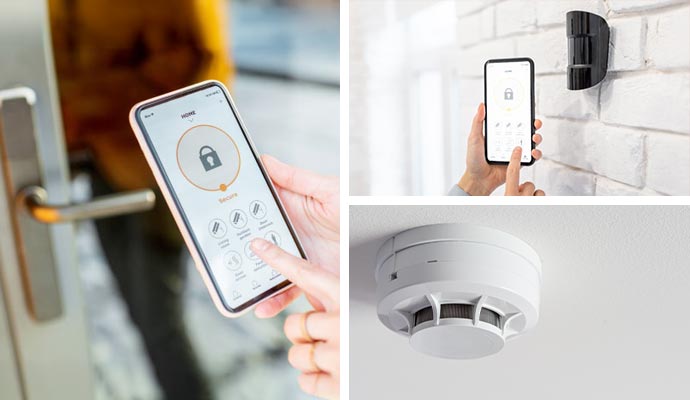
Many home systems rely on batteries to operate properly. Smart locks, motion sensors, leak detectors, smoke detectors, and remote controls can all stop working when battery power runs low. Replacing batteries before they fail helps important devices continue operating consistently. Devices that commonly require battery replacement include:
Seeing a device connected in your mobile app does not always mean it is working properly. Testing home devices regularly confirms they respond correctly when needed.
Routine checks help identify small issues before they affect other connected devices or interrupt everyday use. Taking a few minutes to test important features also gives you confidence that your smart home will respond properly when you rely on it most.
Smart home devices rely on your home's network to communicate with each other. Changes such as a new router, updated Wi-Fi settings, or internet service upgrades can disconnect devices without you noticing. Checking device connections after network changes helps keep your automation system working as expected. Here are some simple connection checks that you need to do:
Confirm every device remains connected to your network.
Restore devices that have lost communication.
Identify areas where signals may have weakened.
Make sure smart hubs communicate with connected devices.
Refresh routers or hubs if devices respond inconsistently.
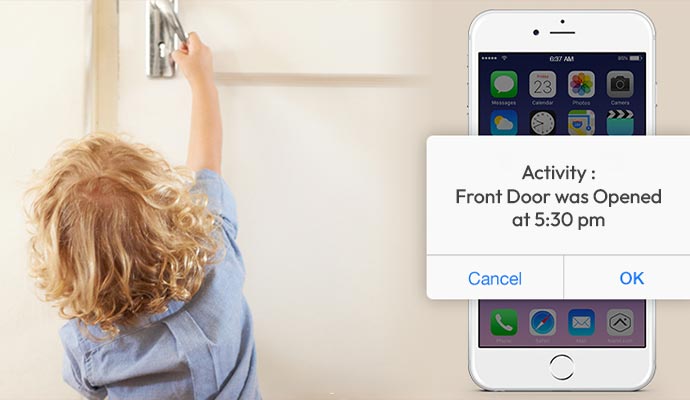
As your household changes, your smart home settings should change as well. Family members, guests, service providers, and mobile devices may no longer need the same level of access.
Reviewing permissions and notifications helps keep your home organized while making sure important alerts reach the right people. It also keeps your system easier to manage as devices and users change over time.
Smart home maintenance is easier when it becomes part of your regular home care routine. Instead of waiting until something stops working, setting aside time each season helps keep your automation system operating consistently throughout the year. A simple seasonal schedule also makes maintenance more manageable by spreading tasks over time rather than completing everything at once. Here are some of our suggestions:
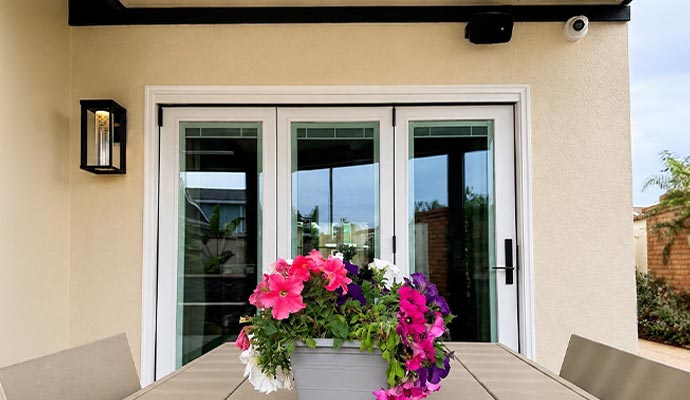 Spring
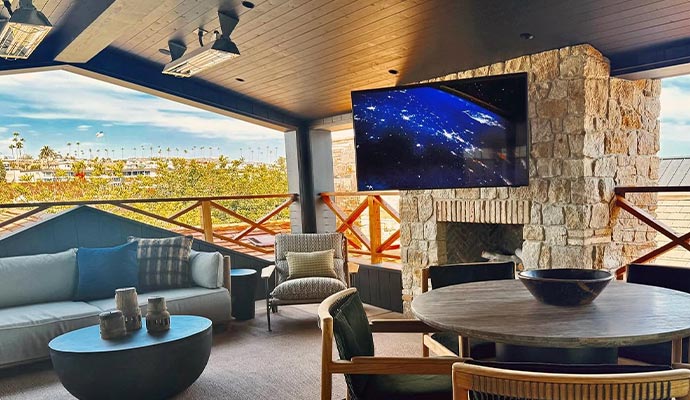 Summer
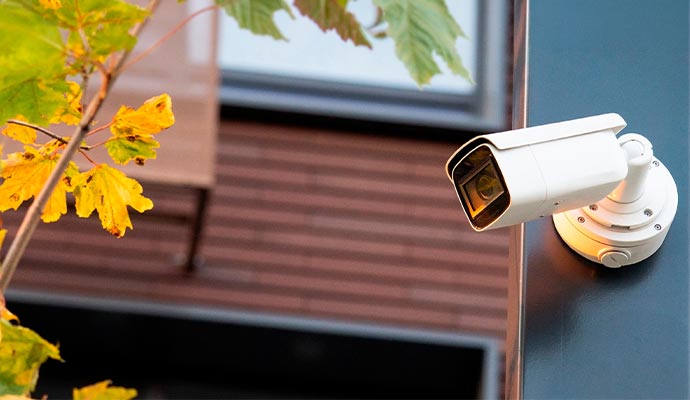 Fall
Fall
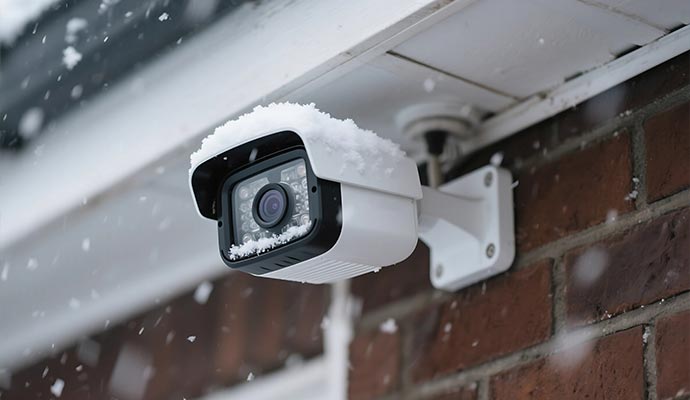 Winter
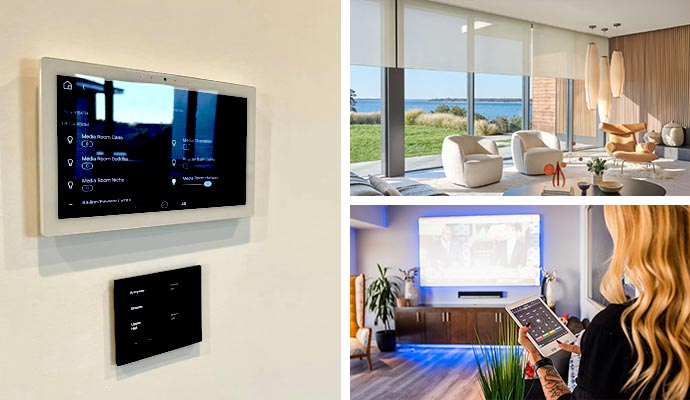
Routine maintenance helps keep your smart home operating smoothly, but professional evaluations help identify issues that are easy to overlook. Digital Installers provides advanced home automation systems for homeowners. Our team evaluates your existing system and recommends practical upgrades that improve integration and support future technology. Some of our popular home automation solutions include:
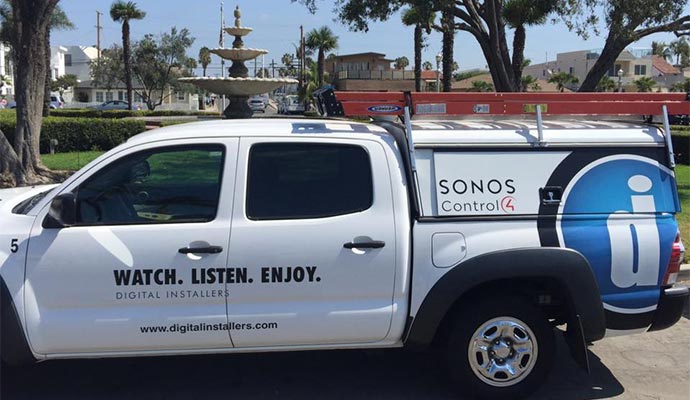
A well-maintained smart home delivers greater convenience, smoother operation, and a better everyday experience. Small maintenance habits completed throughout the year help connected devices operate efficiently while reducing unexpected interruptions.
Whether you're maintaining an existing system or planning new automation upgrades, Digital Installers helps homeowners create connected homes designed for long-term success. Call today or get in touch with our team online to schedule a consultation and learn more about our home automation solutions in Redondo Beach, Brentwood, Irvine, Los Angeles, and surrounding communities.
855-488-1060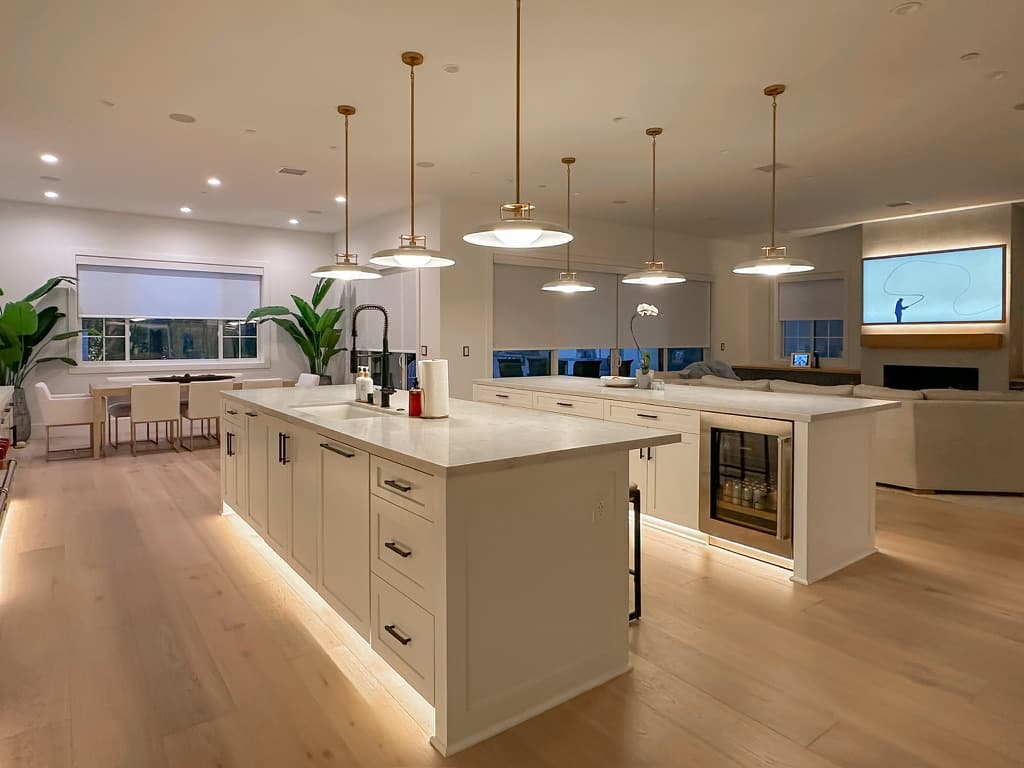
.jpg)
4.99 out of 252 reviews



See why homeowners and businesses turn to digital installers for audio/video, networking, automation, and other technology installations. See what customers have said about their experience with us.
“We've seen some really impressive work from Digital Installer, Inc. by Rusty Deeble. Knowledgeable, very detail oriented and always ready. Rusty is the go to expert for your audio/visuals.”
Read More
“Excellent work completing the network cabling of my house by Peter and Anders. I would definitely recommend them. Very happy that they were able to hide all of the cables running everything through the walls and attic. Outstanding!”
Read More
“We had an amazing experience with Randall and the team at Digital Installers. They handled the complete security setup for our retail store/warehouse and made the entire process smooth, professional, and stress-free. Everything was done cleanly and efficiently, and they took the time to make sure we understood the system and felt confident using it. Highly recommend them if you’re looking for a reliable and knowledgeable team for security and installation needs!”
Read More
“Andrew of Digital Installers did a wonderful job adding new equipment to protect my system from electrical surges. While doing so he completely cleaned up my cables and wiring moved equipment in my rack and it runs cooler, looks great organized clean. And recalibrated our theaters sound system and it works and sounds better than ever. Thanks DI”
Read More
“Rusty and the team at Digital Installers are great. When I purchased a new home, I had them come over and recommend an integrated home system for TV, sound, and lights. They did a wonderful job making recommendations and setting up everything seamlessly. The team was very professional, and I would definitely recommend them to others.”
Read More
“Digital Installers is fantastic! The team was friendly, knowledgeable, and made the whole process easy from start to finish. Our new system looks and works beautifully. Highly recommend them for anyone needing professional, reliable tech installation!”
Read More
“I called Digital Installers and they were able to send someone out to me the very same day. Peter and Andrew wall mounted my 65” OLED TV and did a fantastic job! They were on time, courteous, clean and found a way to run a pesky HDMI cable through the wall that had been bothering me for years. I will definitely be using them again in the future. Highly recommend!”
Read More
“Rusty and his team at Digital Installers made my home theater dreams come true. I knew I was in good hands as soon as I reached out. They listened to what I wanted and created a setup that was perfect for my style and space. They handled everything with such care, making sure every detail was just right. I can’t recommend Digital Installers enough.”
Read More
“From a simple TV install to futuristic home tech, Rusty and his team are leaders in their industry. They provide various solutions to accommodate your needs including: internet, home audio, lighting and more. Want some ideas for your home? Check out their Showroom for ideas on your next project.”
Read More
“Big thanks to Rusty and Esmond @ Digital Installers. Very easy to work with, extremely knowledgeable and talented team. The touchscreen system works perfectly, the audio is clear in the entire room and everything has a clean professional finish. Great work guys!”
Read More
Reliable. Certified. Proven.
Our commitment to quality, innovation, and customer satisfaction is backed by industry recognition, and our affiliated brands and products.








Effective Support By Real People.
Modern home technology occasionally experiences disruptions. We keep things simple and provide necessary support if your A/V system experiences problems. From proactively monitoring and fixing your system remotely, to helping you easily reset your easily, you're covered with us.

Long Beach/South Bay
562-379-3355
Orange County
949-787-0601
Coachella Valley
760-706-7077